> ## Documentation Index
> Fetch the complete documentation index at: https://funnelfox.com/docs/llms.txt
> Use this file to discover all available pages before exploring further.
# Offerings
> Create and manage offerings (features) that price points grant to your customers in FunnelFox Billing.
An **Offering (Feature)** is a named unit of entitlement, meaning what a
customer gets access to, kept separate from pricing. A
[Price Point](/docs/billing/settings-price-points) grants one or more offerings,
and an offering must exist before a Price Point can grant it.
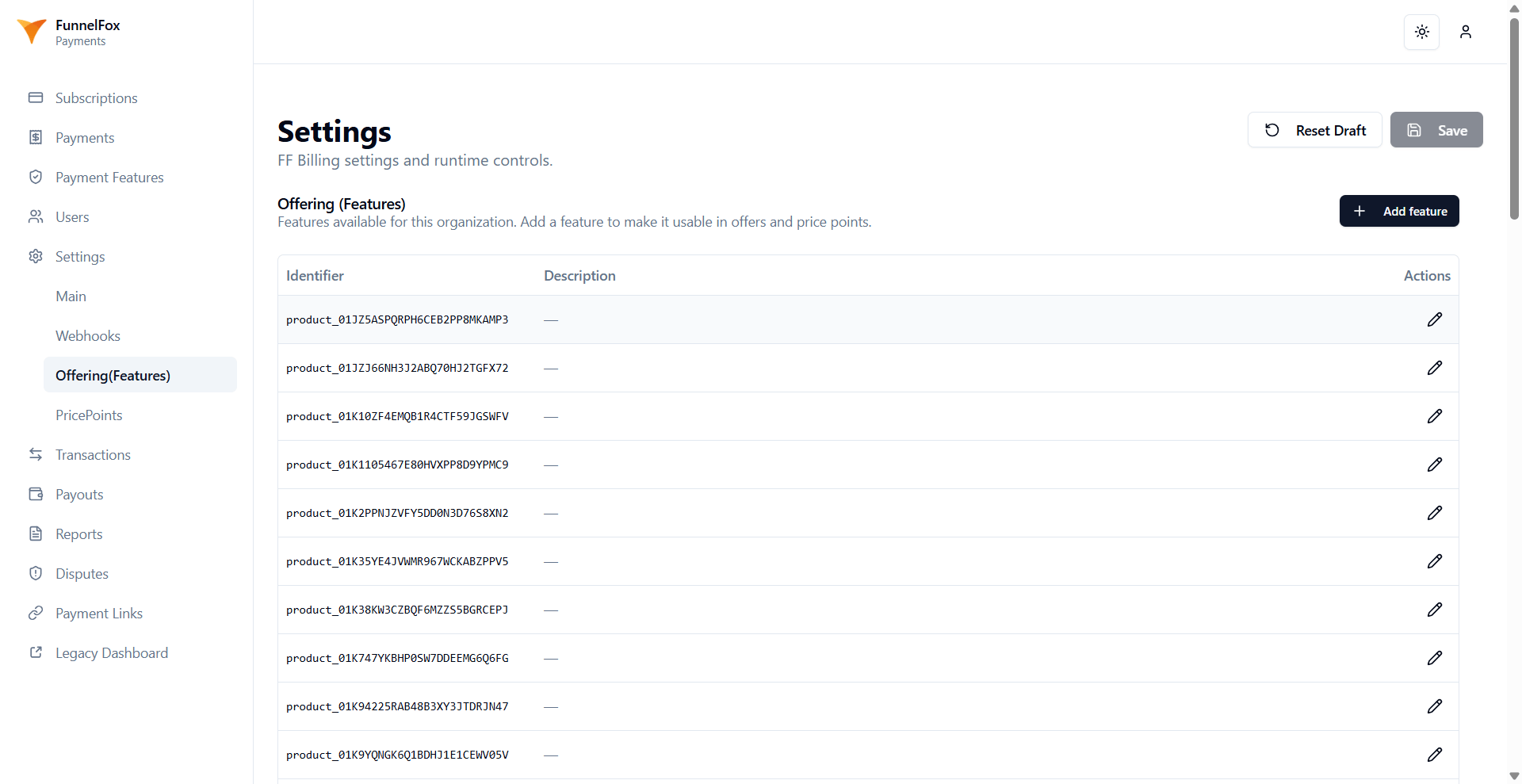
Manage offerings on the **Offering (Features)** tab of your FunnelFox Billing
**Settings** page.
An offering's type decides the grant a purchase produces:
* **Time-based**: Grants a subscription.
* **Lifetime**: Grants a one-off (permanent) purchase.
* **Consumable**: For [consumable products](/docs/billing/consumables).
 ## View offerings
The tab lists every offering in your organization with two columns:
* **Identifier**: The offering's stable identifier.
* **Description**: A free-text description, or a dash when empty. You can edit
it inline.
## Create offerings
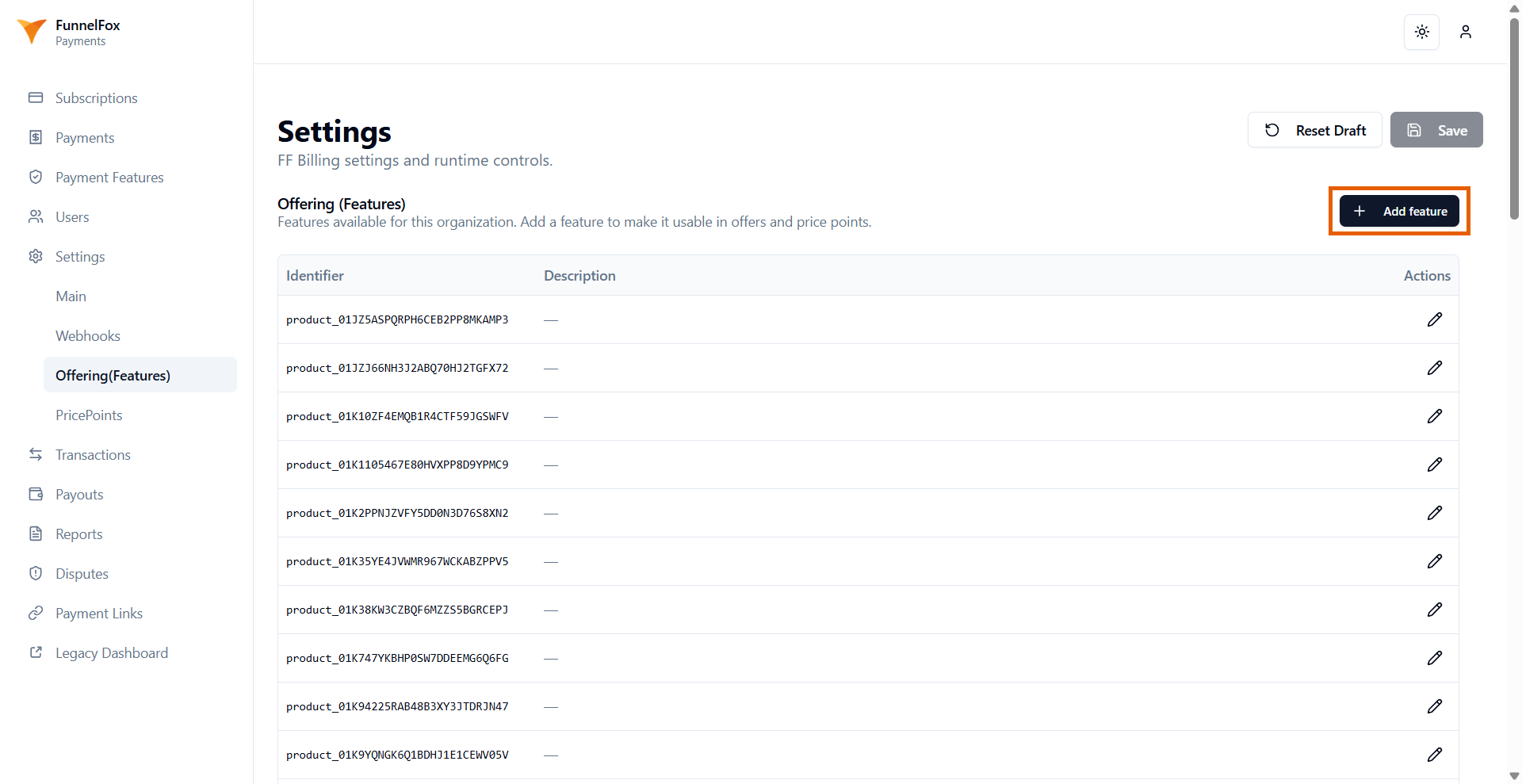
Click **+ Add feature**, then fill in the fields:
* **Identifier**: The permanent, unique identifier that Price Points
reference. Use lowercase letters, digits, underscores, and hyphens, and
start with a lowercase letter or digit.
* **Type**: The kind of entitlement. **Time-based** is the option available
when creating an offering.
* **Description**: An optional human-readable description.
The identifier and type are permanent. You cannot rename an offering or change
its type after it is created, and a duplicate identifier is rejected.
## View offerings
The tab lists every offering in your organization with two columns:
* **Identifier**: The offering's stable identifier.
* **Description**: A free-text description, or a dash when empty. You can edit
it inline.
## Create offerings
Click **+ Add feature**, then fill in the fields:
* **Identifier**: The permanent, unique identifier that Price Points
reference. Use lowercase letters, digits, underscores, and hyphens, and
start with a lowercase letter or digit.
* **Type**: The kind of entitlement. **Time-based** is the option available
when creating an offering.
* **Description**: An optional human-readable description.
The identifier and type are permanent. You cannot rename an offering or change
its type after it is created, and a duplicate identifier is rejected.
 ## Edit descriptions
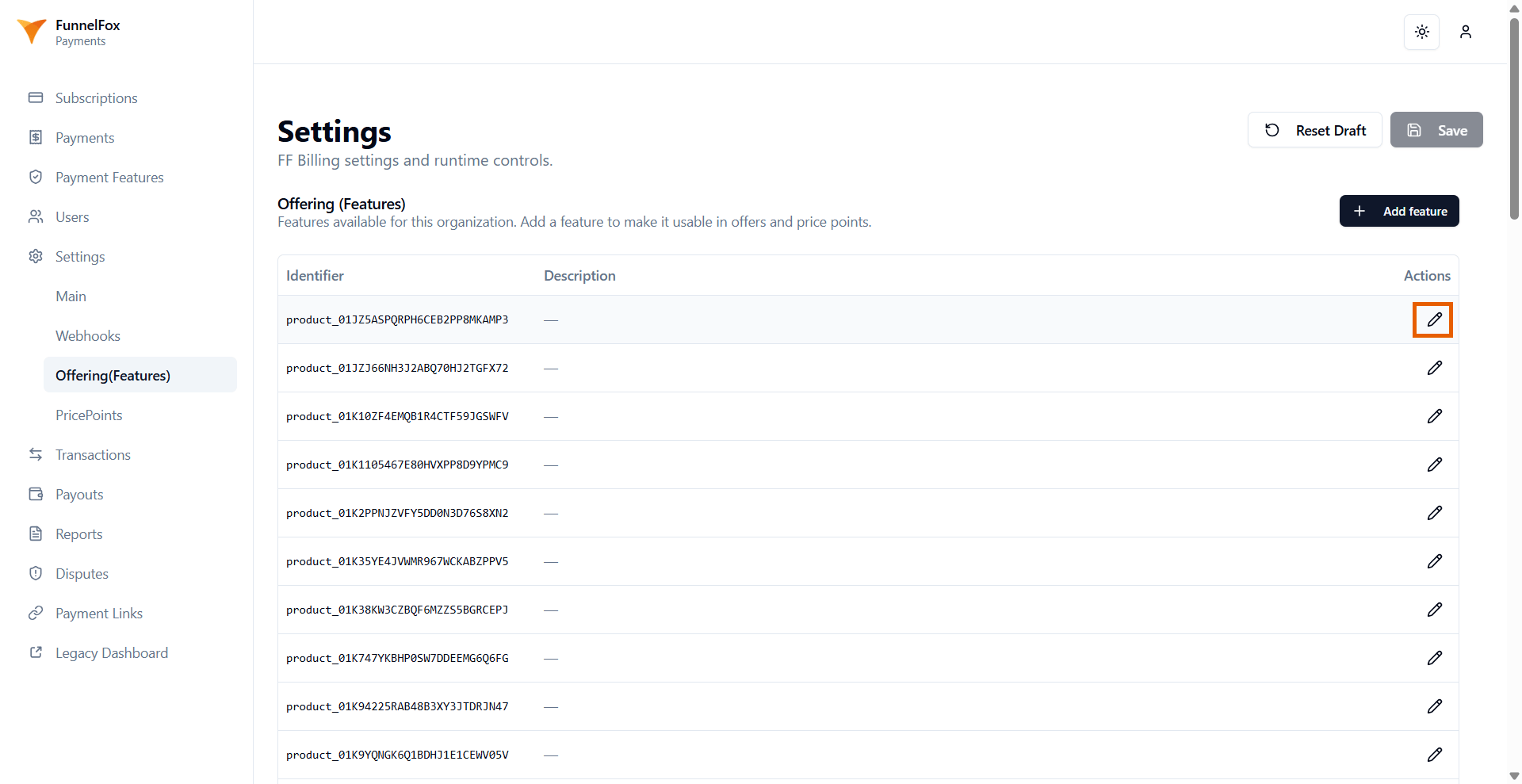
The description is the only part of an offering you can change. Click the
pencil on the right to edit it.
## Edit descriptions
The description is the only part of an offering you can change. Click the
pencil on the right to edit it.
 ## Next steps
* [Attach offerings to price points](/docs/billing/settings-price-points)
* [Manage consumables](/docs/billing/consumables)
* [Configure Main tab settings](/docs/billing/settings)
## Next steps
* [Attach offerings to price points](/docs/billing/settings-price-points)
* [Manage consumables](/docs/billing/consumables)
* [Configure Main tab settings](/docs/billing/settings)