
How it works
Click the Editor menu at the top left and select Custom code to open a full-screen code editor. Everything you write here is injected into the<head> tag on every screen of your
funnel.
You can use <style>, <meta>, and <script> tags.
Non-script content is rendered as part of the initial HTML for instant
first paint. Script tags are added on the client so they actually execute.
Changes appear in the funnel preview and persist
through publishing.
Funnel-wide code applies to every screen. If you need code
on a specific screen only, use a
Raw HTML element with
per-screen custom code instead.
Add funnel-wide code
Follow these steps to apply your custom code globally:- Click the Editor menu at the top left and go to Funnel Settings > Custom code.
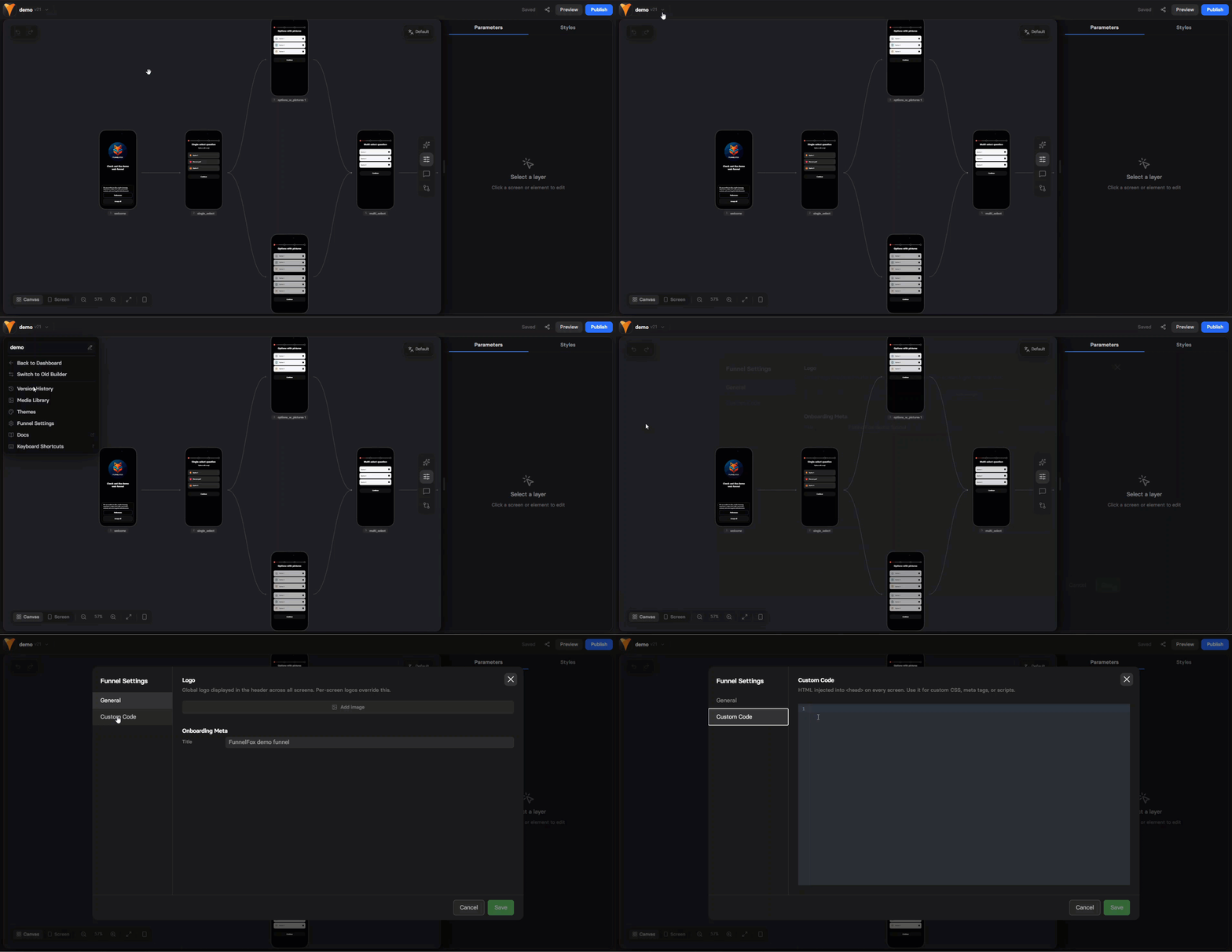
- Edit your custom HTML code.
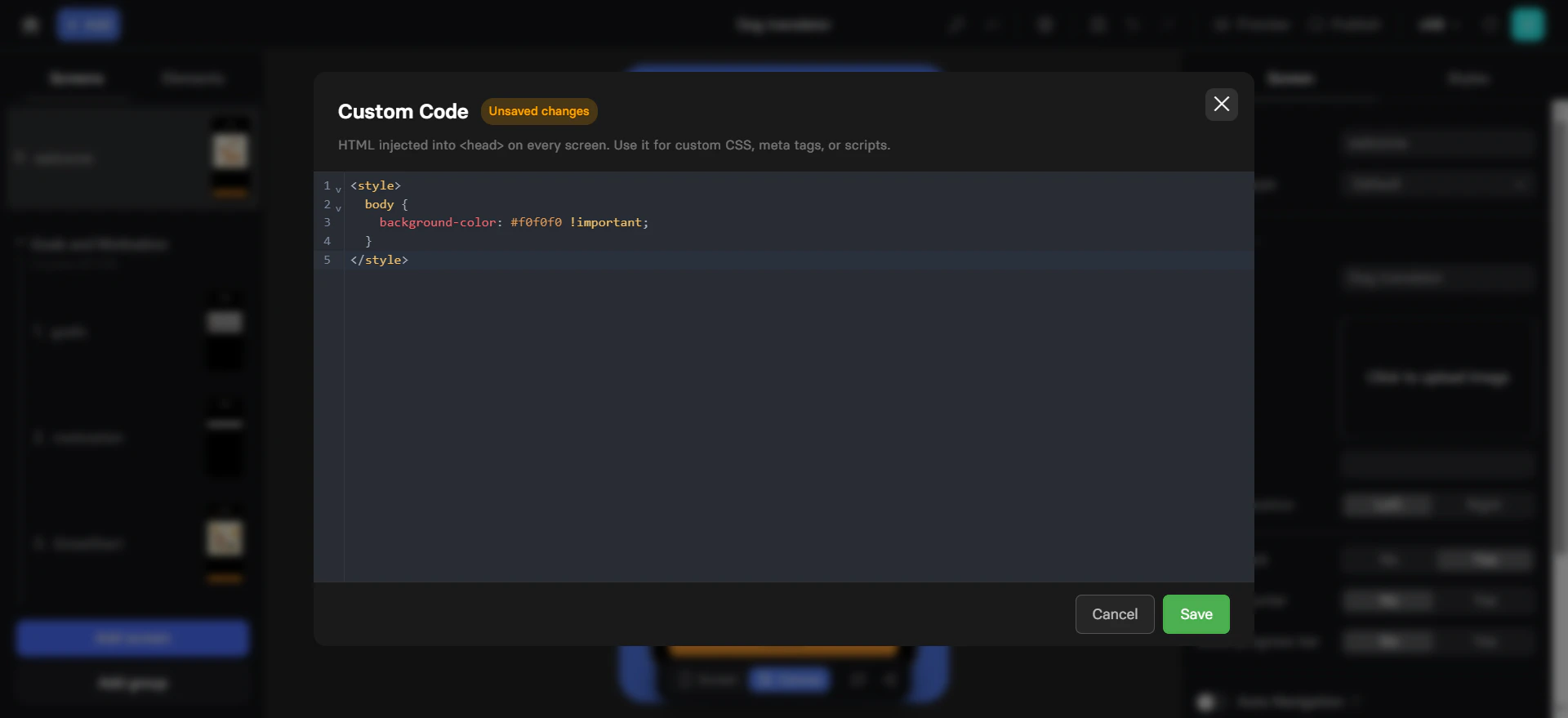
- Click Save.
- Save and republish your funnel.
Use cases
Override CSS
You can add custom CSS to apply styles across the entire funnel. For example, you can set a different background color for the main funnel content area and the desktop margins. This is especially useful when viewing a funnel on desktop.Next steps
- Add per-screen custom code with the Fox API and Raw HTML elements