
Global Project Themes
Style funnels faster with reusable, project-wide themes.Define a consistent look for all funnel screens at once instead of tweaking the Style tab for each element on every screen.
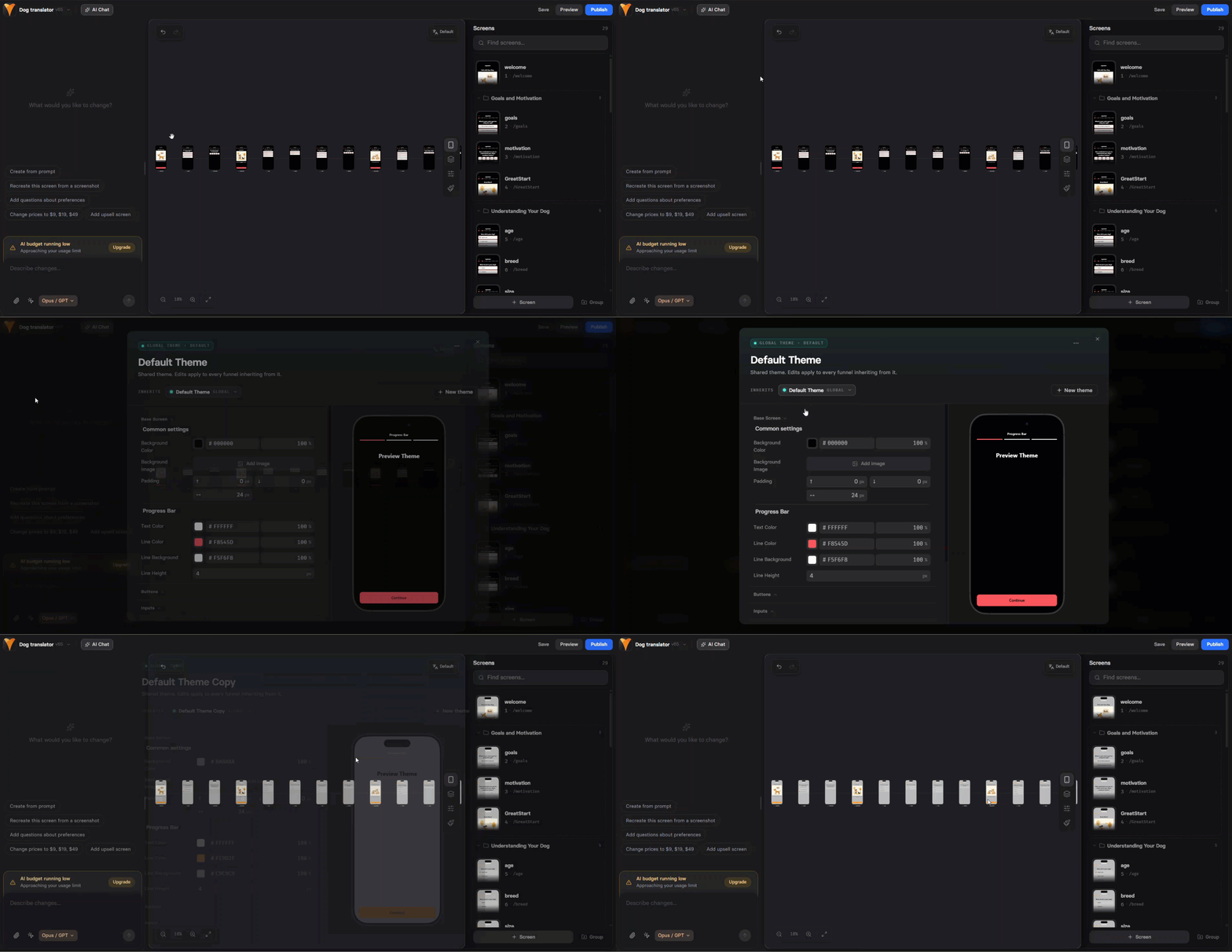
- Default theme — new funnels automatically use the default theme
- Create multiple themes for different products or campaigns
- Global updates — edit a theme to update all funnels using it
- Override when needed — make element-specific adjustments without affecting the global theme
Canvas Comments
Collaborate directly on canvas with inline comments.Add comments, reply to feedback, and resolve discussions without leaving the canvas or using external tools.
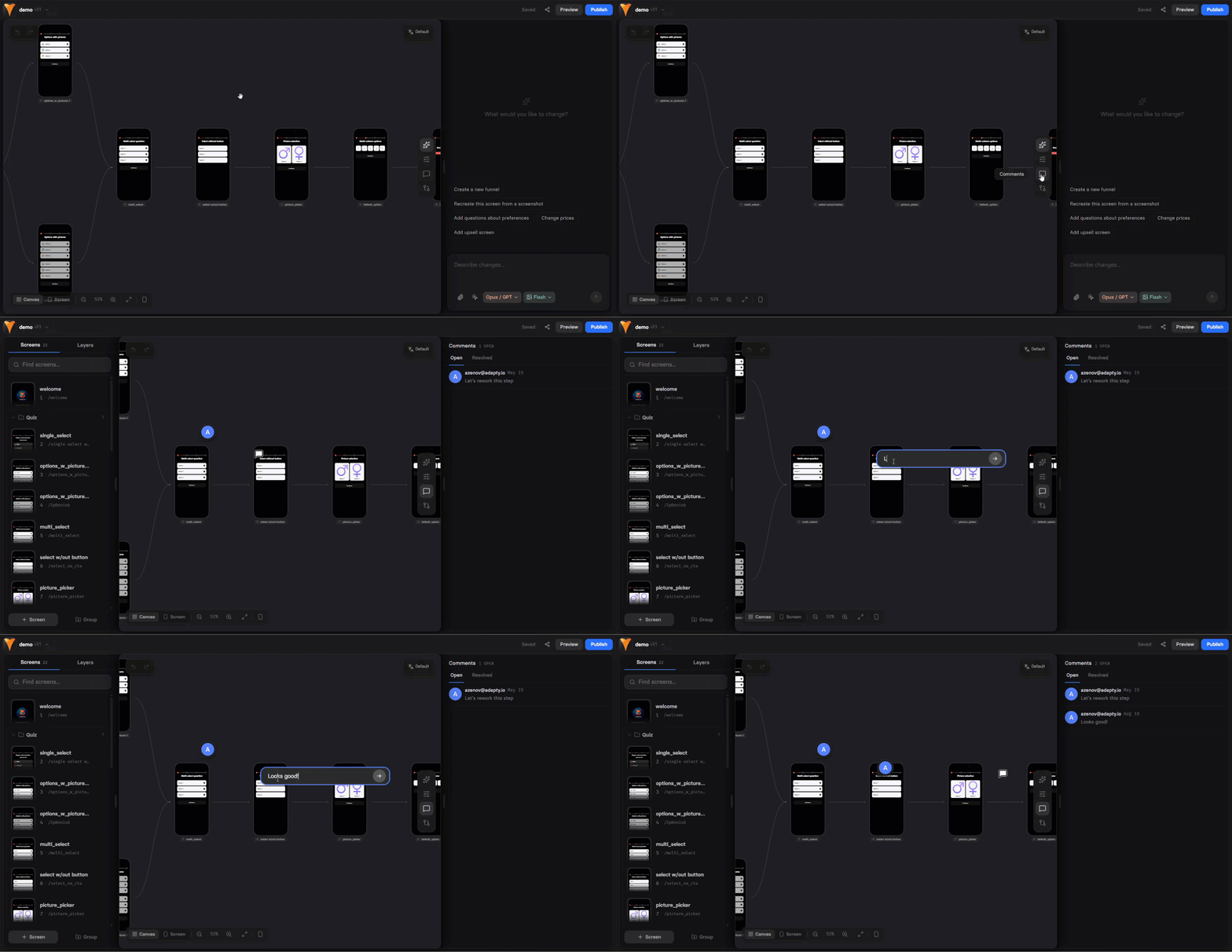
- Click the comment icon to enter comment mode
- Click anywhere to add a new comment
- Reply to existing comments or mark them as resolved
- Resolved comments are hidden from the canvas
Comments are available to logged-in users only. Not available for shared preview links.
Password Hashes in Webhooks
Added password hashes to theprofile.updated webhook.When users update their password through a password input, FunnelFox sends hashed versions in four formats for compatibility with different auth systems:
argon2id— modern, secure (PHC format)bcrypt— widely supported (standard format)pbkdf2_sha256— FIPS-compliant (PHC format)scrypt— memory-hard (PHC format)
Settings Menu Reorganization
Reorganized the Settings menu for easier navigation:- Integrations moved to main menu
- Billing moved to Integrations → Payment Providers → FunnelFox Billing
- Chargeback Protect added as a new section in Integrations
- Old billing URLs redirect automatically to the new location
Cohorts: UTM Filters
Added UTM parameter filters in the Cohorts dashboard.Filter cohort data by
utm_source, utm_medium, utm_campaign, utm_content, and utm_term to analyze revenue by traffic source and calculate ROAS.
Combine multiple UTM filters with AND conditions for precise analysis.
Learn about cohort filters →